
Download
Click the blue download button for your computer.
Download RustDesk for the computer that needs help, then call The Computer Touch before sharing the displayed ID and one-time password.
Official RustDesk download. Current fallback version: 1.4.9.
Do not install RustDesk because of an unexpected phone call, pop-up, email, or text message. The Computer Touch will never ask you to buy gift cards, move money, disclose a banking password, or hide a support session from someone else. You can click Cancel, Disconnect, or close RustDesk at any time.
Use the large download button above, then follow these steps. The screens may look slightly different after a software update.
Click the blue download button for your computer.
Open the file from your browser’s Downloads list or Downloads folder.
Keep RustDesk open and call The Computer Touch.
Tell us the ID and one-time password shown in RustDesk.
rustdesk- and end with .exe.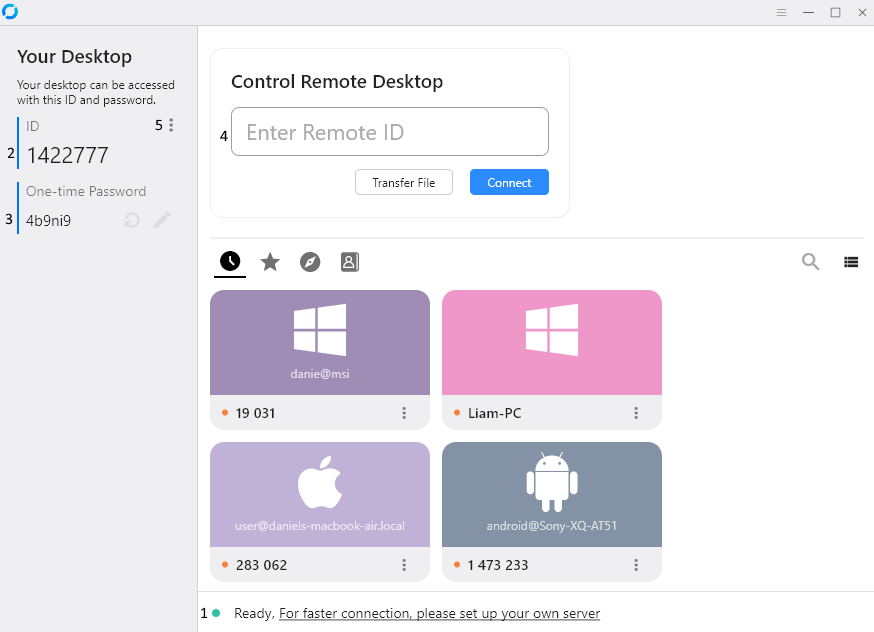
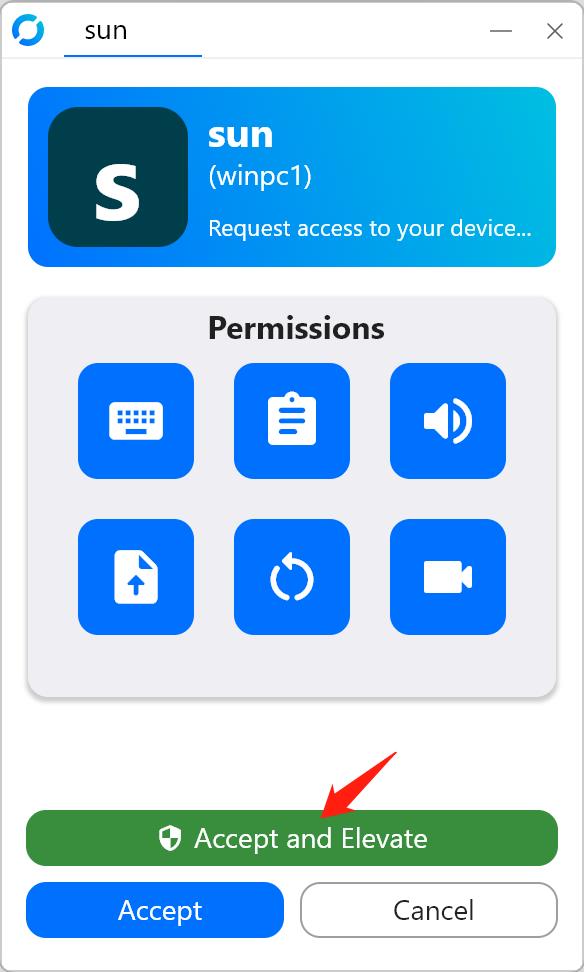
Most Macs made in late 2020 or newer use Apple Silicon. Click the Apple menu → About This Mac. Look for “Chip” (Apple Silicon) or “Processor” (Intel).
.dmg.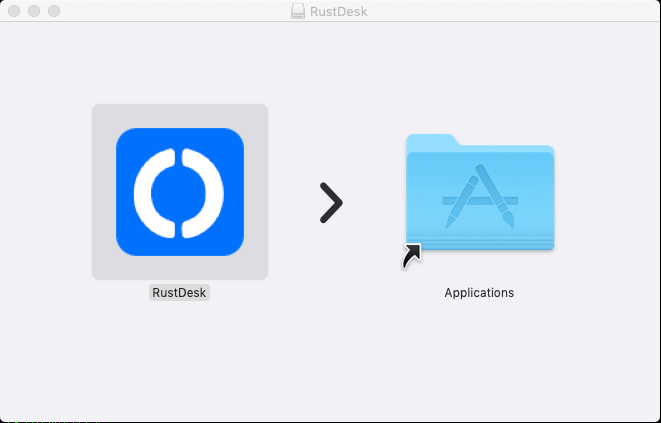
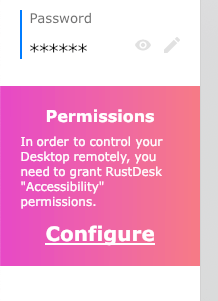
.deb package. Other distributions may use AppImage, RPM, Flatpak, or another package.Choose the computer that needs support. For complete remote repair, open this page on that Windows, Mac, or Linux computer—not only on your phone.
RustDesk is third-party open-source software. Downloads are provided directly from the official RustDesk GitHub release repository. Screenshots are from the official RustDesk documentation. View official RustDesk documentation.
Stop where you are and call. We can talk you through the next click.